MICROSCOPY-PAM
Product
For probing of microscopic objects down to the single chloroplast
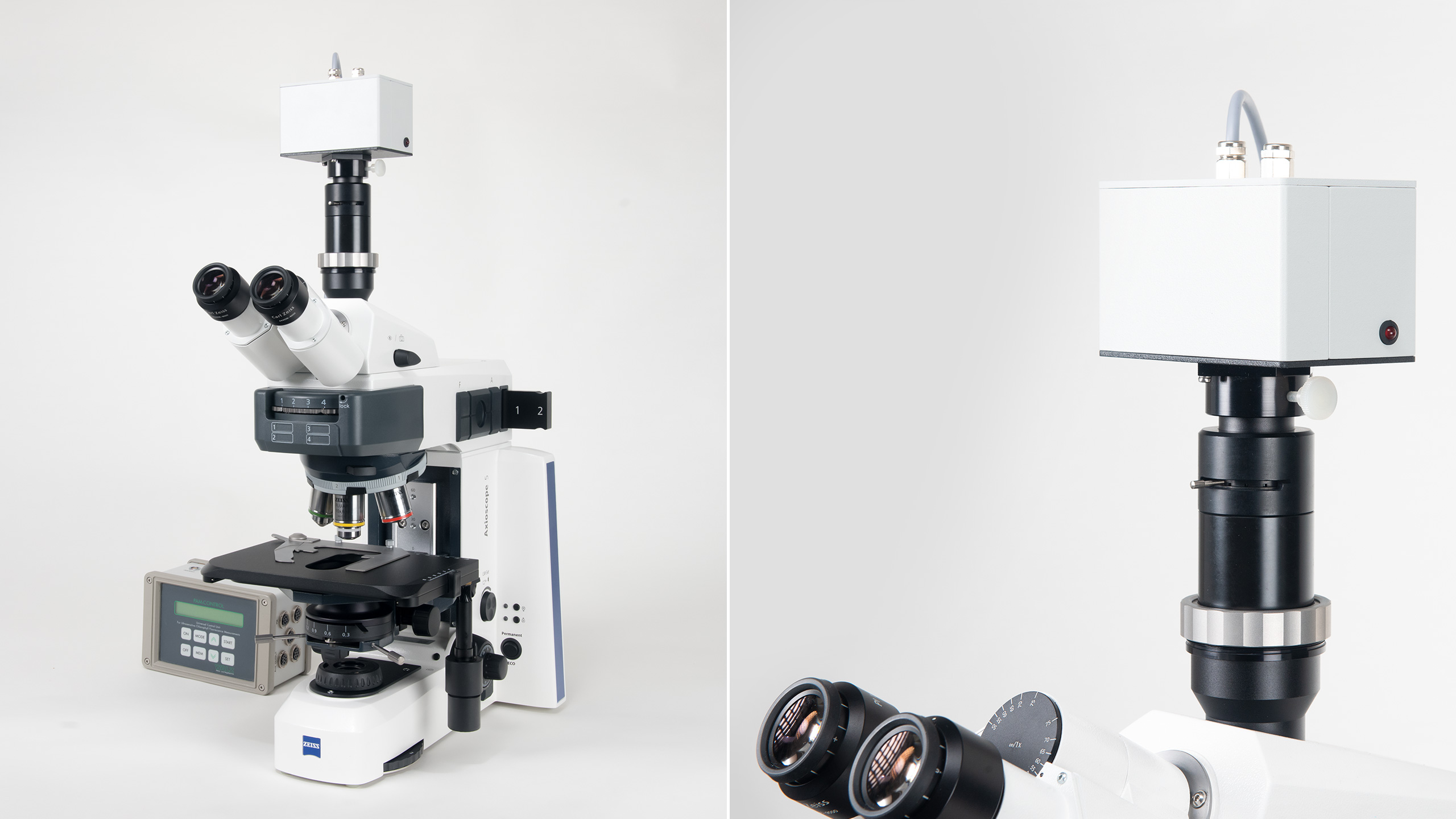
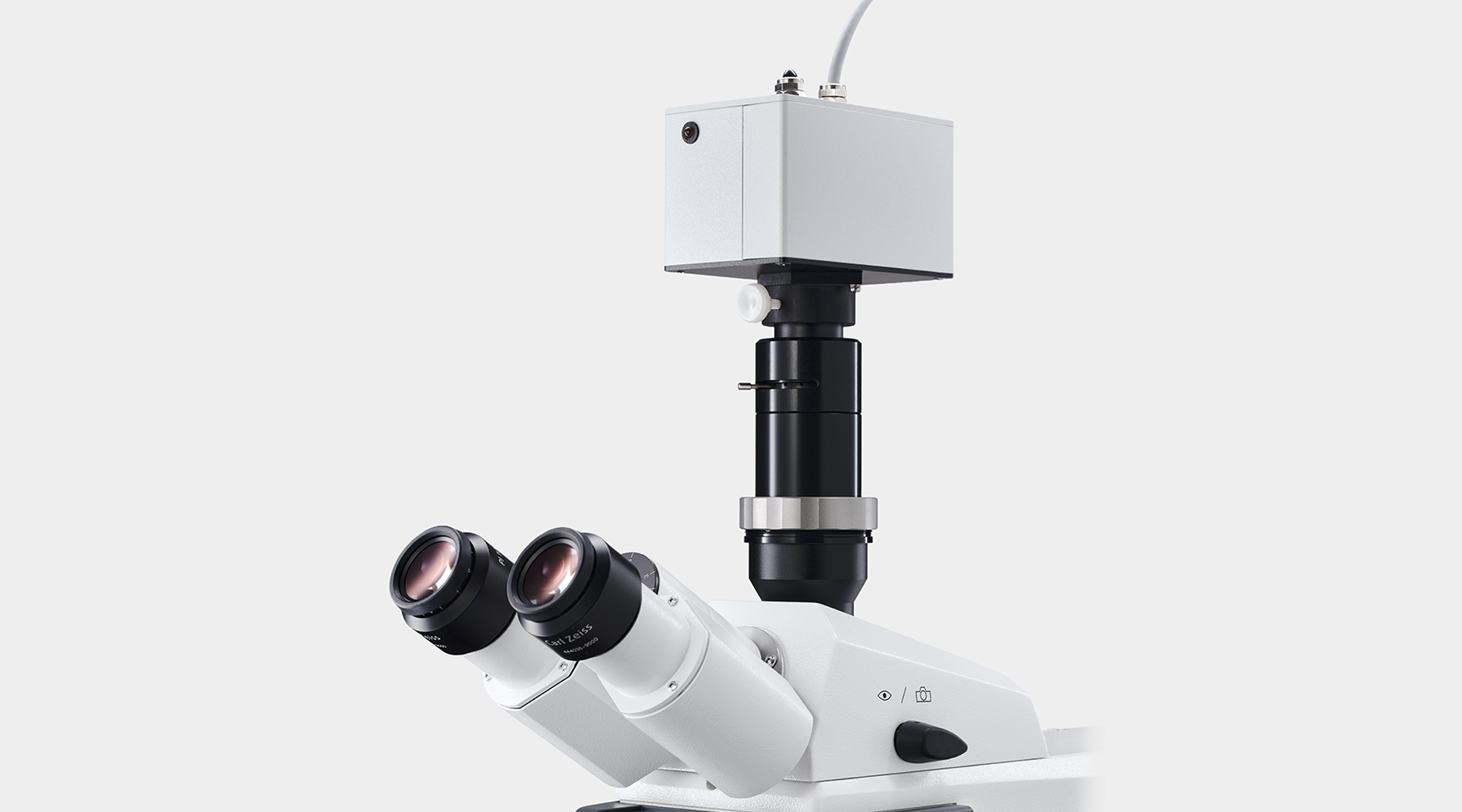


MICROSCOPY-PAM
Features
Data memory
128 kB CMOS RAM providing memory for 4000 data sets
Microcontroller
CMOS 80C52
Display
2 x 24 character alphanumerical LC-display with backlight
User interface
2 x 4 touch-sensitive keys to operate the internal mode
Measured parameters
F0, FM, FM', F, FV/FM (max. Yield), ΔF/FM' (Yield), qP, qN, NPQ, PAR (using special micro quantum sensor), ETR (i.e. PAR x ΔF/FM')
Power supply
Internal rechargeable battery 12 V/2 Ah, providing power for at least 10 000 Yield measurements, automatic power off, battery charger MINI-PAM/L (100 to 240 V AC)
Dimensions
17.6 cm x 11.5 cm x 9.5 cm (L x W x H)
Weight
2 kg (incl. battery)
Operating temperature
-5 to +45 °C
Connectors
Actinic light
Drives up to three actinic LEDs
AUX input
Receives signals from temperature and light sensors
AUX output
Sends control signals to external LED drivers
Charge
Socket for battery charger
Far-red light
Up to three far-red LEDs can be driven
Measuring light
Capacity to drive up to three LEDs, both as measuring and actinic light sources, 12 LED intensity and 12 pulse frequency settings are available, automatic change of measuring light frequency
Output
Provides analog signal to chart recorder
Photomultiplier
Full control of photomultiplier PM-MF
RS232
Communication with Windows Computer
Computer-controlled Operation
Software
WinControl-3 System Control and Data Acquisition Program (Microsoft Windows 10 and 11) for operation of measuring system via PC, data acquisition and analysis. Not compatible with Windows 10 on ARM
Input
100 to 240 V AC, 47 to 63 Hz
Output
19 V DC, 3.7 A
Operating temperature
0 to 40 °C
Dimensions
15 cm x 6 cm x 3 cm (L x W x H)
Weight
300 g
Design
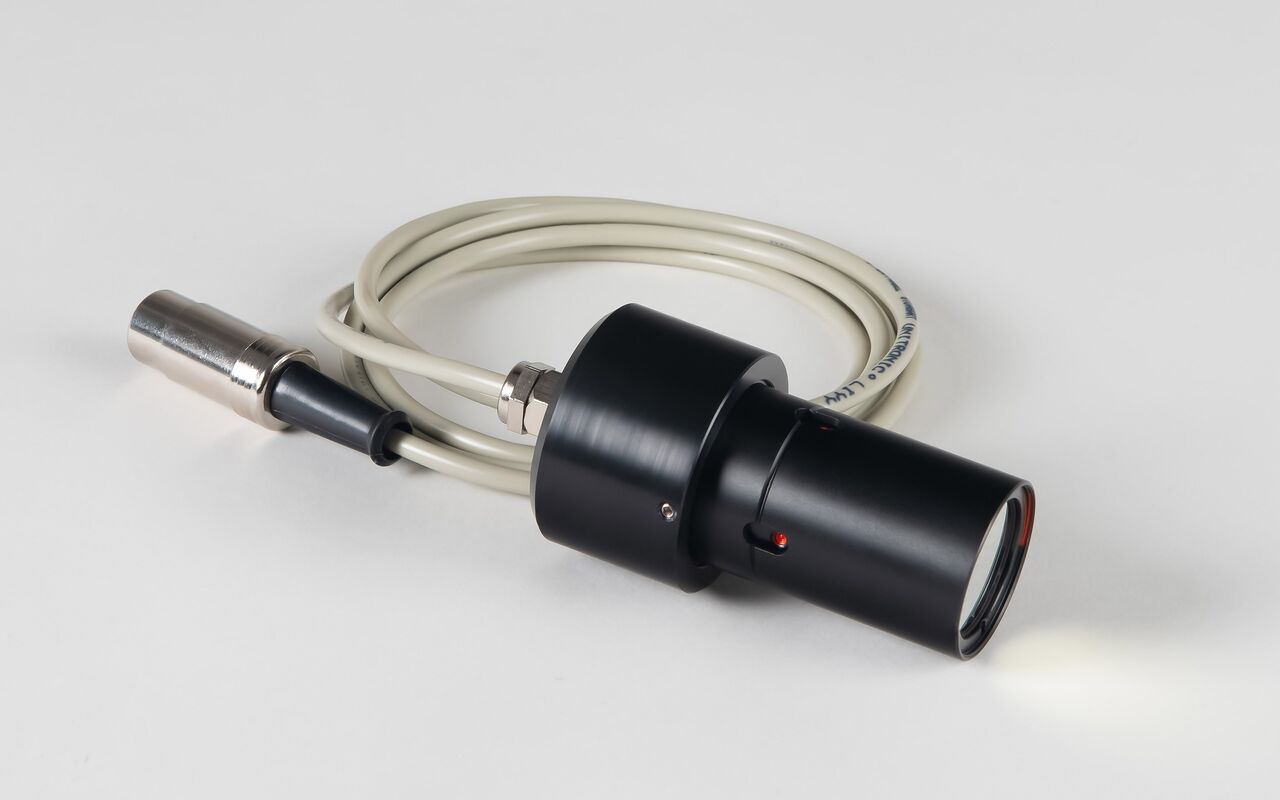
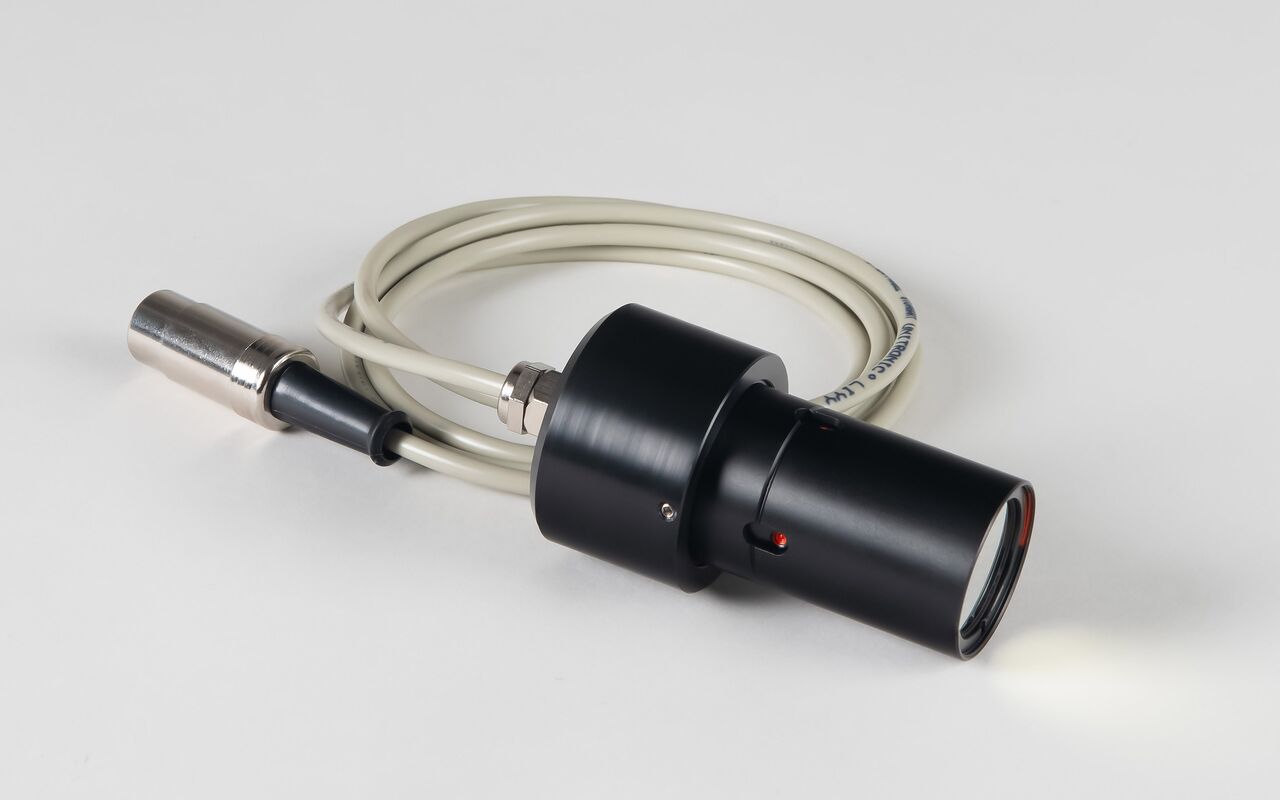
Based on photosensor module H-6779-01 (Hamamatsu) with pulse preamplifier and automatic overload switch-off, aluminum housing with mounting rod to be fixed on Stand ST-101
Signal detection
Miniature photomultiplier with high red sensitivity (type H6779-01, Hamamatsu)
Dimensions
110 mm x 65 mm x 78 mm (H x W x D)
Weight
520 g (incl. 1.4 m cable)
Design
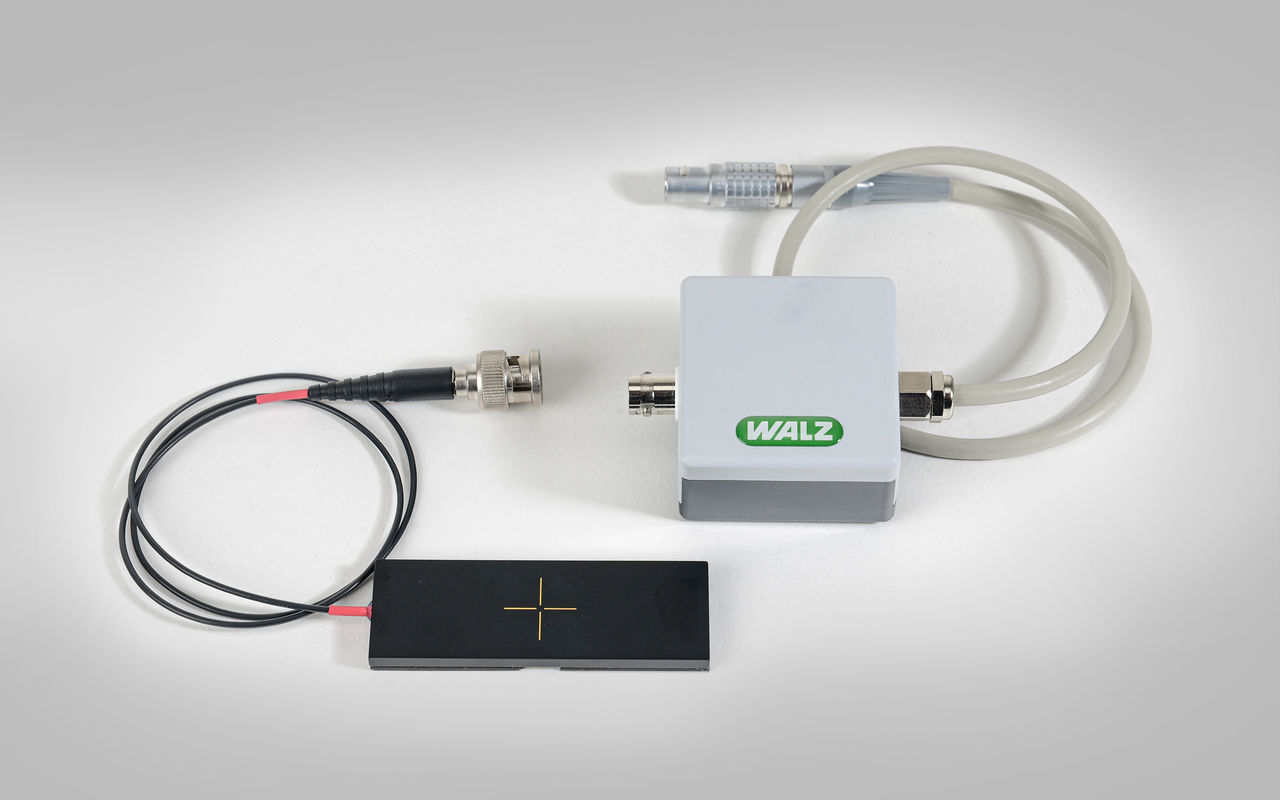
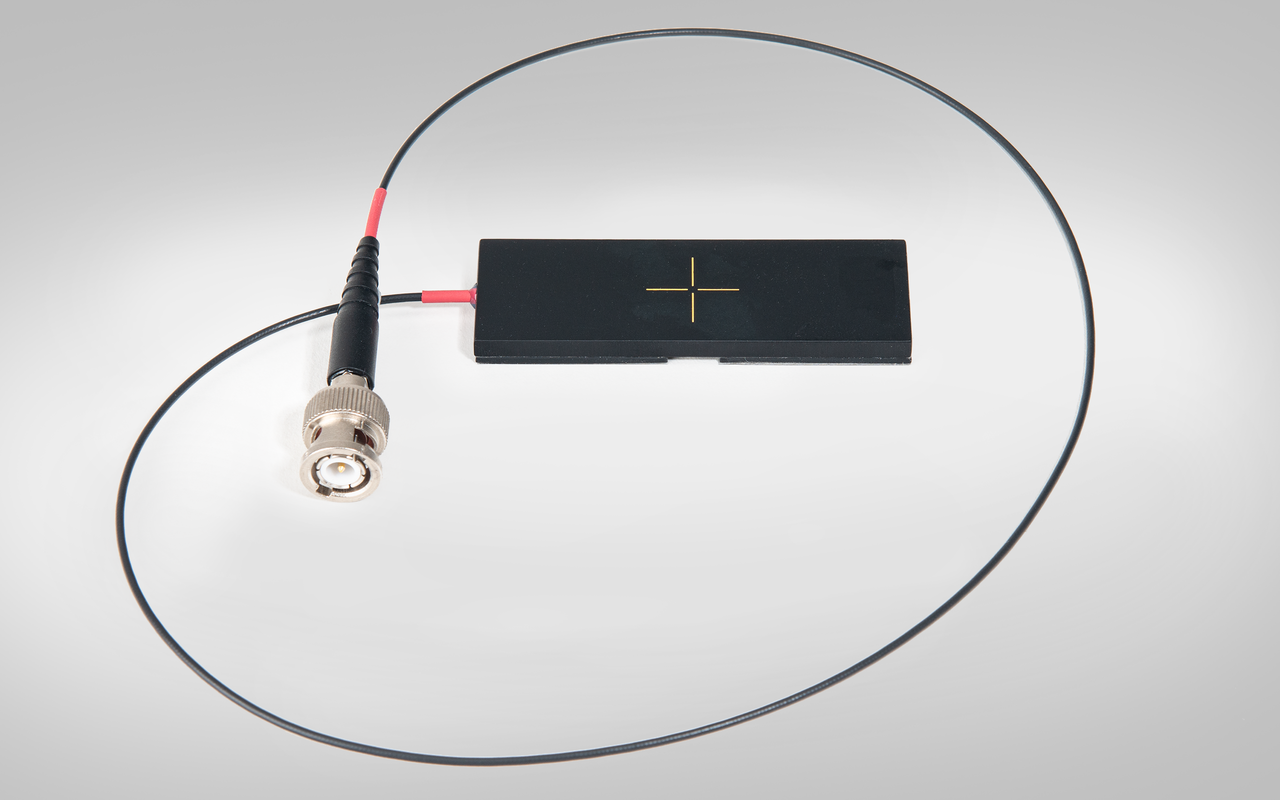
To be mounted underneath objective lens (instead of object slide); featuring 0.2 mm pin hole, fluorescent diffuser, blue-enhanced photodiode and separate preamplifier
Dimensions
Sensor, 76 mm x 26 mm x 4 mm (L x W x H); preamplifier, Ø 25 mm, length 77 mm
Weight
110 g (incl. 85 cm cable and preamplifier)
Design
Aluminum box with custom foam packing for PAM-CONTROL and accessories
Dimensions
60 cm x 40 cm x 25 cm (L x W x H)
Weight
5 kg
Accessories
Design of sensor
Microscopy quantum sensor for PPFD (photosynthetical photon flux density) measurement.
Sensor housing
Black anodized aluminum housing
Diffuser material
Resin with fluorescence dye
Signal detection
High stability silicon photovoltaic. Signal output typically 1.5 μA / (1000 μmol m-2 s-1)
Temperature coefficient of photodiode
0.01 %/K
Absolute calibration
± 5 %
Operating temperature
0 °C … + 40 °C
Cable length
55 cm
Connector
BNC
Power supply
Not required
Size
Height: 5.5 mm
Length: 76 mm
Width: 26 mm
Diffuser diameter: 0.2 mm
Weight
36 g


